
Meta title: How GEO Tools Integrate With Your SEO and Content Stack | Pixis
Meta description: Learn how GEO tools connect with Search Console, GA4, your CMS and AI assistants, plus how to test integrations and report results accurately.
Suggested slug: /blog/how-geo-tracking-tools-integrate-with-seo-and-content-platforms/
How GEO Tracking Tools Integrate With Your SEO and Content Stack
A competitor appears in an AI answer. Your team saves the screenshot, writes a brief and adds another item to the content backlog. Three weeks later, someone asks whether the page was published and whether the answer changed. The evidence is spread across a dashboard, a document and a Slack thread.
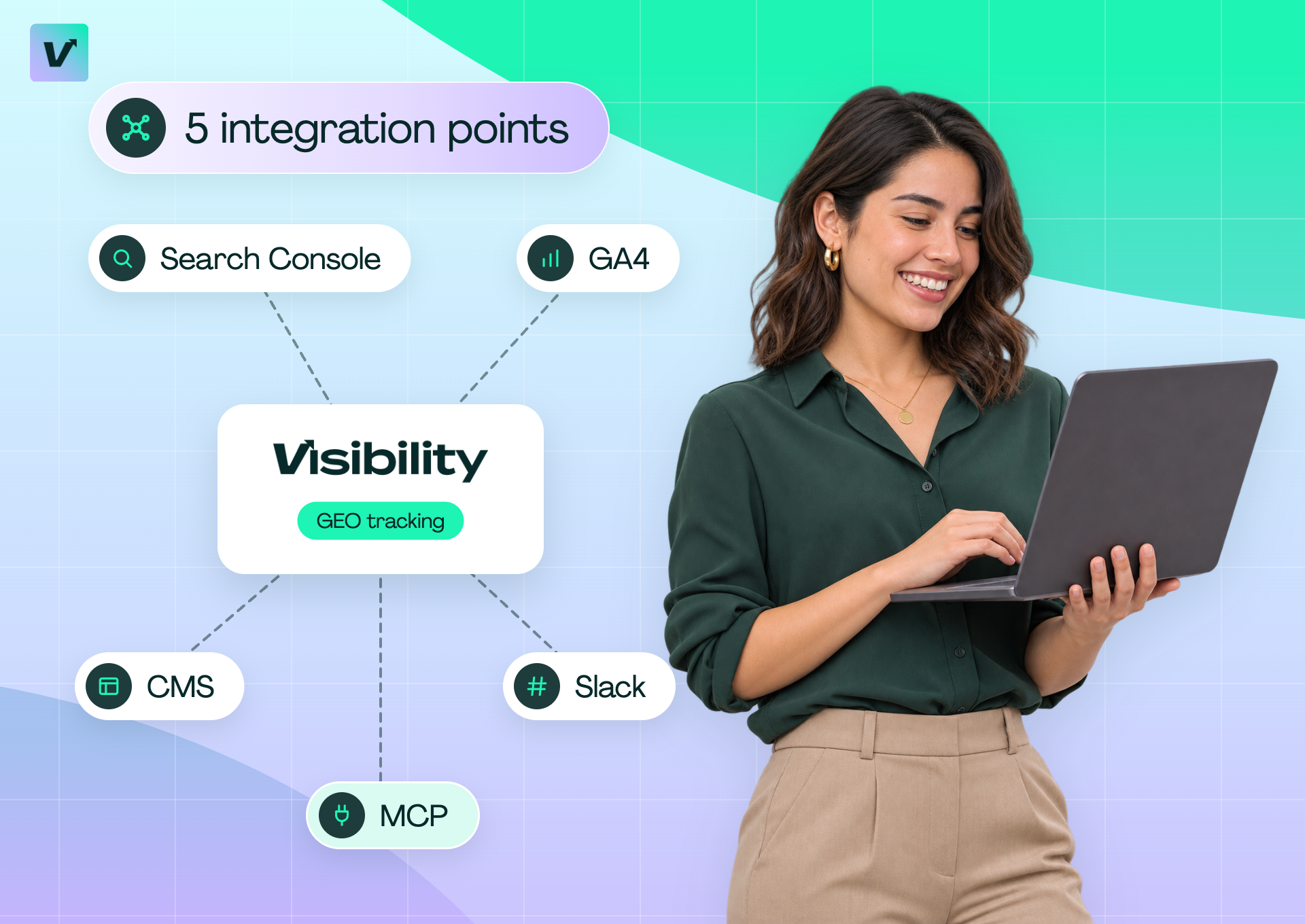
GEO tracking tools can connect those handoffs through native integrations, APIs, automation services or exports. The useful connections bring research into the tracker, move approved work into your publishing process and return results to the people responsible for them.
Not every GEO tool supports every connection, and your team may not need all of them. This guide explains five integration points to evaluate, how to test the workflow and what the resulting reports can actually tell you.
Key takeaways
- Evaluate integrations across search research, analytics, publishing, team reporting and assistant access. Prioritize the handoff that currently slows your team down.
- Search Console queries can inform prompt research, but they are not a log of private conversations with ChatGPT or other assistants.
- A CMS connection can reduce publishing work. It cannot guarantee that a page will earn an AI citation.
- Keep AI visibility, Google Search performance and identifiable AI referral traffic as separate measures, even when they appear in one report.
- Test permissions, data freshness and error handling alongside the successful handoff.
Start with the workflow you need to connect
Before comparing integrations, trace one finding through your current process. Who reviews an answer that omits your brand? Who decides whether it needs a content update, a technical fix or outreach? Where is that work assigned? Who checks the result?
The answer identifies the connection worth paying for. A research team may mainly need reliable exports into its reporting system. A content team may benefit more from creating CMS drafts. An agency may prioritize scheduled client reports and workspace separation.
Then establish what the vendor means by “integration.” A native connector is configured inside the product. An API allows a developer to build a connection. A third-party automation service passes information between applications. A CSV export transfers a snapshot, with someone responsible for repeating the process.
Each approach can be useful. The difference is who maintains it, how often data moves and what happens when it fails. If you are still deciding which tools to keep, our SEO tool stack audit covers that broader decision.
Five integration points to evaluate
1. Search Console: bring search evidence into prompt research
Google Search Console shows queries associated with your site's Google Search performance, along with measures such as clicks, impressions and average position. Question-style queries can suggest topics to test in an AI tracker.
They are one input, not the entire prompt strategy. Search Console reflects searches in which your site appeared, and some queries are withheld for privacy. It will not capture every question a buyer asks or reveal their private assistant conversations. Google's explanation of performance-data filtering describes those reporting limits.
Combine search queries with sales questions, support tickets, customer interviews and product comparisons. Preserve the original query as a source, then review whether it needs context before becoming a tracked prompt. “CRM migration” and “How can a 20-person sales team move from spreadsheets to a CRM?” test different things.
Test the connection: Import a query for a known property and date range. Check its associated page and metrics, then create or select a related prompt. Confirm that the original wording and any edits remain understandable. Ask how often the import refreshes and whether it retrieves all available rows or a limited selection.
2. GA4: report identifiable AI referral visits separately
GA4 can help you examine sessions associated with identifiable AI-service referrers, such as chatgpt.com or perplexity.ai, and the pages those visitors reach. You can use this alongside AI visibility reporting even if the GEO tool has no native GA4 connector.
The distinction matters: appearing in an answer and receiving a visit are separate events. An answer may mention your brand without linking to your site. A reader may see a citation without clicking it. A visit may arrive without usable referral information. Google's guide to direct traffic explains how missing source information affects reporting.
Use our AI referral traffic guide for GA4 for the setup. In your combined report, label these sessions as identifiable AI referral traffic, rather than total traffic caused by AI visibility.
Test the connection: Compare the same property, date range, source rules and session measure in GA4 and the receiving report. Check refresh timing and investigate discrepancies. Do not assume the connection can associate a specific tracked prompt with an individual visit.
3. Your CMS: move approved content into publishing
A CMS integration is useful when the next action is an article, an update or a better answer on an existing page. It can reduce copying between the GEO platform, an editor's document and the publishing system.
First establish whether content is the right response. A missing citation could warrant checking page accessibility, factual accuracy, product relevance or the external sources an assistant uses. Creating another page is not automatically the fix.
For content work, ask exactly what the connector transfers: body copy, title, slug, metadata, images, author, categories and publication status. Distinguish creating a draft from publishing immediately. Also distinguish reading publication status from synchronizing subsequent edits in both directions.
Test the connection: Send a clearly labeled test draft to your CMS. Verify formatting, metadata and review status. Publish only after approval, then check whether the platform records the correct live URL. Confirm what happens if someone edits the page directly in the CMS or retries a failed transfer.
4. Slack, Teams and email: deliver decisions with the data
Scheduled reports can bring findings into an existing review process. Alerts can flag changes that deserve investigation, such as a competitor appearing more often across a monitored prompt set.
The message needs enough context to be useful: the prompt set, engines, reporting period, comparison baseline and an owner for the next action. One changed response should be distinguishable from a pattern across repeated checks.
Report delivery and approval actions are separate capabilities. A tool may send a report to Teams while supporting approvals only in its application. Check each channel independently.
Test the connection: Send a sample report to the intended channel. Confirm that links open for the recipients, client data stays within the correct workspace and the message includes an owner and next step. If approvals are supported, verify which actions they authorize and where the decision is recorded.
5. MCP and APIs: access data and supported actions elsewhere
Model Context Protocol, or MCP, provides a standard way for AI applications to connect with external servers that expose data and tools. The MCP architecture documentation explains the relationship between hosts, clients and servers.
For a GEO platform, this might let an assistant retrieve visibility data or invoke a supported audit or content action. The available actions depend on the server, connected application and permissions. An MCP connection does not automatically provide every feature available in the platform's dashboard.
A conventional API serves a related purpose for developers building dashboards, scripts or other integrations. Check its available endpoints, rate limits and authentication separately from MCP support. Our guide to MCP and AI visibility explores the assistant workflow further.
Test the connection: Start with a read-only request for a known result. If write actions are supported, test an approved draft action and verify its destination. Establish which permissions apply, how approval works and where errors and completed actions are recorded.
Test one complete handoff before committing
You do not need to activate every integration to evaluate a platform. Choose one representative task and follow it from research to reporting. For example, use an existing setup guide that does not appear in your monitored answers.
- Record the starting point. Select a buyer question, document its source and run it in the engines you intend to monitor. Save the date, prompt wording, returned answers and citations.
- Review the gap. Check whether the guide answers the question accurately and whether assistants cite other sources for information it lacks. Decide whether the task is a content update, a technical investigation or something else.
- Assign the work. Create a brief or task with an owner, target page and review criteria. Preserve the connection to the original finding.
- Check the publishing handoff. Transfer the approved content into a CMS draft. Verify the fields your team needs and confirm that review happens before publication.
- Record the live change. Save the publication date and final URL. Confirm that the report points to the correct page.
- Monitor the separate outcomes. Repeat the prompt checks on a documented schedule. Review Google performance and identifiable AI referral sessions alongside them, using clearly labeled periods.
The integration test passes when information arrives correctly, the right person can act and the result can be traced back to the task. Whether the content subsequently earns citations is a separate performance question.
Also test one failure: disconnect a reporting destination or use a draft that cannot be transferred. Your team should be able to identify the failure and retry without creating duplicate work.
Build a report that preserves the differences between metrics
A useful report can place three views together without treating them as interchangeable:
- AI visibility: mentions and citations across a defined prompt set, engines and sample of responses.
- Google Search performance: clicks, impressions and average position for the relevant pages and queries.
- Website activity: identifiable AI referral sessions, landing pages and relevant key events in analytics.
Include the content change, publication date, data-refresh dates and next action. Define what counts as a mention or citation, and record changes to the prompt set so comparisons remain interpretable.
If citations increase after an update, report that observation. Do not claim the update caused the increase solely because the dates align. Repeated checks help reveal patterns, while consistent prompts and documented conditions make those patterns easier to assess.
Where Pixis Visibility fits
Pixis Visibility brings SEO research, AI answer monitoring and content work into one platform. Its documented connections support several of the handoffs described here.
Google Search Console queries, pages, clicks and positions sync into reporting. The platform tracks prompts across ChatGPT, Gemini, Perplexity and Claude, allowing teams to examine AI answers alongside their search research. These remain different data sources: Search Console supplies Google Search evidence, while prompt monitoring supplies sampled AI responses.
For content execution, Pixis supports briefs and drafts, with WordPress publishing that includes drafts, scheduling and metadata. Slack supports alerts, scheduled reports and approvals, and the platform also describes report delivery through Teams or email.
The Pixis MCP connects Visibility with Claude, ChatGPT and Cursor for supported data requests and actions, including audits. Confirm the permissions and actions available in your connected environment before using it for changes.
Use GA4 separately for referral reporting unless a GA4 connection has been confirmed for your implementation. Bring those results into the same review process without treating them as a direct prompt-to-visit attribution system.