
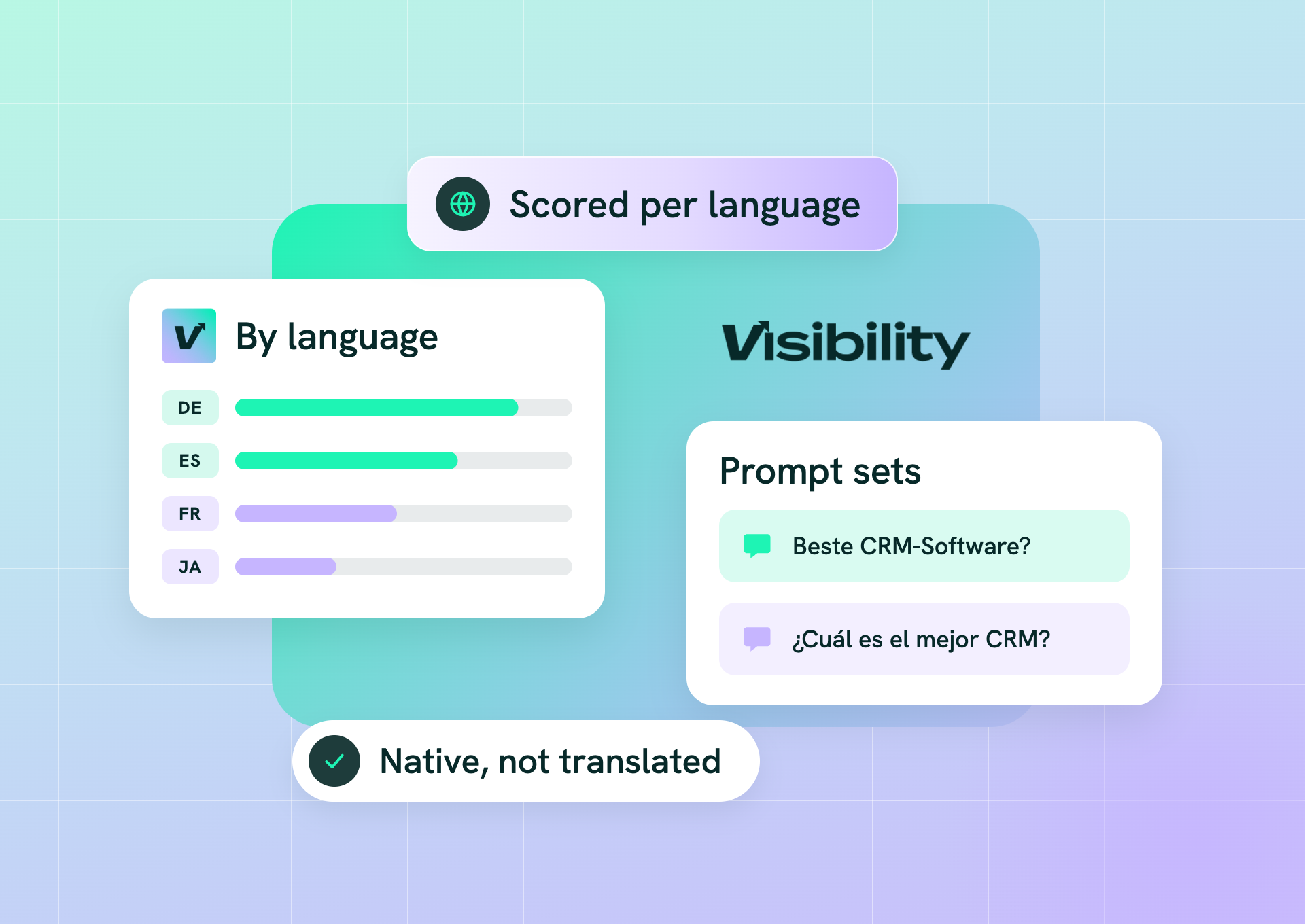
Your English AI visibility numbers look healthy, and the German sales team says nobody there has heard of you. Both can be true. AI assistants answer a German question with German sources, German competitors and sometimes a different category name, so an English score says very little about how you show up in Munich or Madrid.
The common shortcut makes this worse. Teams translate their English prompts, run them once, and fold the results into a single global average. The translated question is one no local buyer asks, and the blended number hides exactly which market is weak.
Tracking non-English visibility well is mostly a discipline problem: native prompts, a local competitor list, and results kept separate by language, engine and country.
This guide explains what to gather for each market, how to write and run native prompt sets, how to score each language, and how to check the data before you report it.
Key takeaways
- Write prompts natively with a speaker from the market; a translated English prompt measures a question local buyers do not ask and can pull different brands into the answer.
- Build a separate competitor list per language, because a local challenger often matters more to buyers than the global category leader.
- Score each language on its own and compare languages with each other, never with a blended global average.
- Match brand spelling variants as one name in non-Latin scripts, or correct answers get counted as misses.
- Pixis Visibility runs prompt sets you build across ChatGPT, Perplexity, Gemini and Claude and shows the actual answer per prompt; writing native prompts stays with your team.
Why translated prompts give you the wrong answer
A translated question is not the same question. The literal translation of your English category name may not be the term locals use, and the phrasing a translator produces is rarely the phrasing a buyer types into an assistant.
That changes the answer. A translated prompt can name different brands and cite different sources than the native version, so your visibility rate can look better or worse than it really is for that market. You cannot tell which without running both.
Engines also behave differently by language. ChatGPT, Perplexity, Gemini and Claude all handle multiple languages, but they answer differently per market and sometimes slip into English mid-answer. Google has been expanding AI Overviews market by market; it brought them to nine more European countries in March 2025, according to Google's announcement. AI Mode followed a similar path, adding Hindi, Indonesian, Japanese, Korean and Brazilian Portuguese in September 2025, according to Google's AI Mode announcement. Availability is a moving target, so check it per market rather than assuming.
Gather three inputs for each market
The inputs you collect before the first run decide whether the data is usable. Skip one and you end up with numbers nobody should trust.
A native speaker, not a translation tool
Have a native speaker or local partner write the prompts from local search behavior and local category terms. Then have a second fluent reader confirm that each prompt matches the buyer's intent. One person writing and another checking catches most of the phrasing that sounds translated.
A local competitor list
Each market has its own competitor set. A competitor list that works for the UK will miss the German or Japanese brands local buyers see and trust. Collect local competitor domains for each language before the baseline run, so every answer is scored against the brands you actually compete with there.
A place to record results by language
Use a tool or spreadsheet where every result row carries its language, engine, country and run date. A blended sheet makes per-language analysis impossible later. If you are new to the mechanics, the guide to checking and improving your brand's visibility in AI search covers the basics of running a visibility check.
1. Write 20 to 30 native prompts per market
With your native speaker, list 20 to 30 questions a local buyer would ask an AI assistant in their own words. Five to ten prompts give you anecdotes, not data you can act on.
Cover the decisions buyers actually make: choosing a category, comparing providers, checking whether a product fits a local requirement. Do not start from your English set and adapt it. Start from what local buyers ask, even if some prompts have no English equivalent.
Keep the set stable once it is running. Changing prompts every week makes movement over time meaningless.
2. Run the set on the engines that market uses
Confirm which engines are live and widely used in that market, then run the full set across each one. For every answer, record three things:
- Whether your brand appears.
- Where it ranks among the brands named.
- Which sources the answer cites, especially local ones.
Check that the answers reflect what a local buyer would see. The engine's language setting and the location it answers from both affect the result, so record them alongside each run.
3. Score each language on its own
Calculate the same metrics for every language: visibility rate (appearances divided by total prompts), average position, citation rate, share of voice and top-3 presence. Then compare languages with each other.
An illustrative German run shows the arithmetic. Suppose a 30-prompt German set names your brand in 12 answers. Eight of those 12 answers link to your content, your average position across the 12 appearances is 3.2, and you appear in the top 3 in 5 of them.
- Visibility rate: 40% (brand appears in 12 of 30 prompts).
- Citation rate: 66.7% (answer links to your content in 8 of 12 appearances).
- Average position: 3.2 (mean position across the 12 appearances).
- Top-3 presence: 41.7% (brand ranks in the top 3 in 5 of 12 appearances).
Repeat the same calculations for every language you track. Resist collapsing them into one global number: a blended score hides exactly where you drop off. For why prompt-level results matter more than a single score, see GEO is won prompt by prompt, not by a score.
Match brand names in every script
In non-Latin scripts, one brand name can appear in several spellings within the same script, and answers often switch to Latin letters for the brand mid-sentence. English-style string matching counts those correct answers as misses.
List every accepted spelling of your brand and each competitor before you score anything, and match them as one name. This applies to Japanese, Korean, Chinese, Arabic, Hindi and any script where a brand has more than one accepted form. Without it, your visibility rate understates reality in every non-Latin market.
Check the data before you report it
A tracking setup can look finished and still produce numbers you cannot trust. Before the first report, confirm four things:
- Each language has its own prompt set, competitor list and results, with nothing blended.
- A native speaker has reviewed the prompts, and none is a direct translation of an English question.
- The recorded answers reflect the market's language and location settings.
- Every result row carries its language, engine and run date.
Then run the same prompts twice in the same week and compare. If the numbers swing widely, the prompt set is too small or the language and location settings are wrong. Expand the set toward 30 prompts, correct the settings and run again.
Engines also disagree with each other more than most teams expect, which is why one engine is not a proxy for the rest. For more on this, see multi-engine testing for GEO.
Decide when a spreadsheet stops being enough
Expect setup to take a few hours per market: writing prompts with a native speaker, a baseline run across the engines, and metric calculation. Manual weekly monitoring adds a recurring block of time per market, most of it spent running prompts, copying answers into rows and calculating metrics by hand.
For one or two markets, a well-structured spreadsheet is fine. Once you track more than three languages, or need stakeholder-ready reports on a schedule, the manual work becomes the bottleneck and a tracking tool that reruns the sets for you saves more time than it takes to set up.
Where Pixis Visibility fits
The repeat work in this process is running the same prompt sets every week, recording the answers and calculating the metrics. That is what a tracking tool should take off your hands.
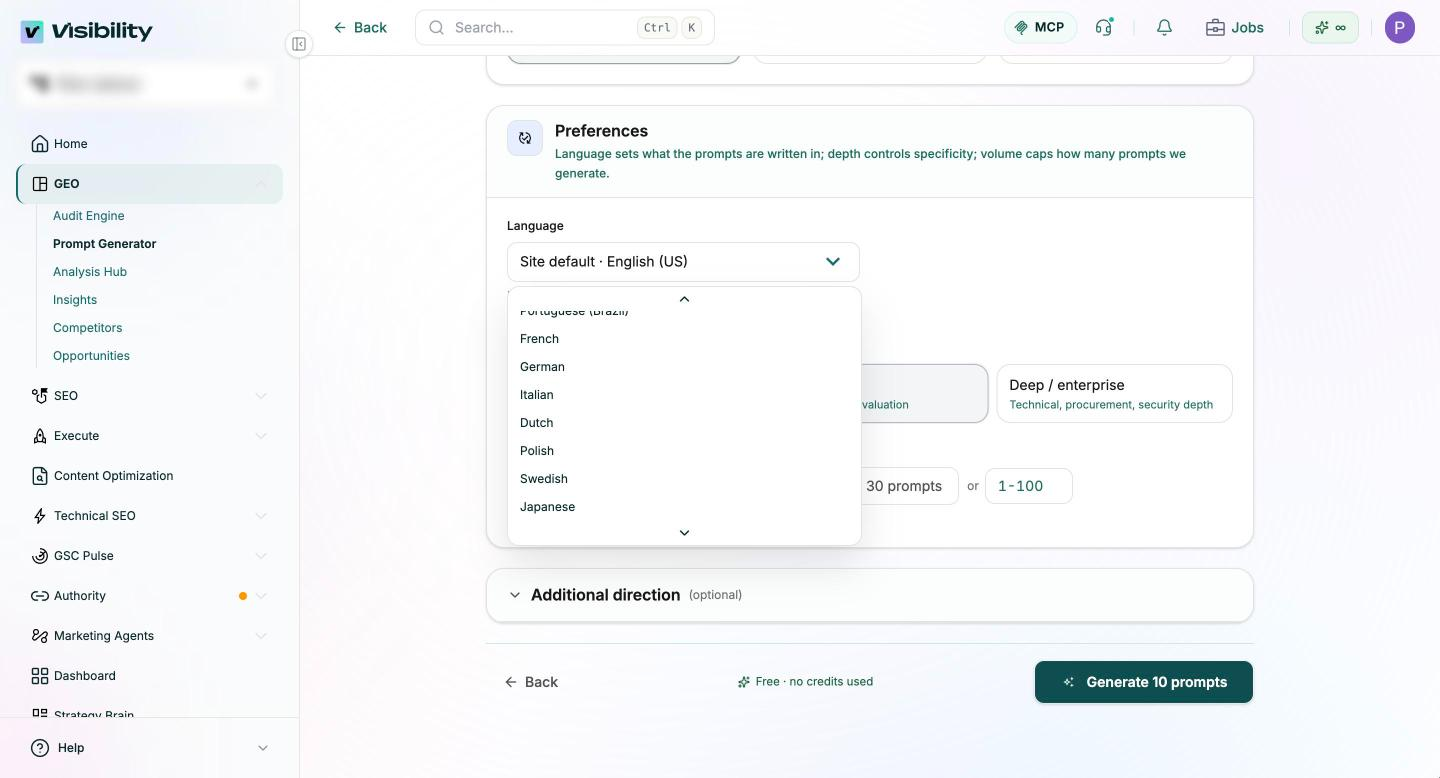
In Pixis Visibility, you can build a separate prompt set for each market from your native prompts, and run it across ChatGPT, Perplexity, Gemini and Claude. It tracks brand mentions, average position, citation rate, share of voice and top-3 presence, and shows the actual AI answer for each prompt, so a native speaker can review what the engine really said. The competitor matrix tracks up to 20 competitors, which you can fill with the local rivals for each market. Its Prompt Generator can also draft a prompt set directly in a chosen language, including French, German, Spanish, Japanese and Hindi, as a starting list for your native speaker to review and edit.
A GEO audit adds a GEO score, share of voice by funnel stage and a maturity stage, exportable as PDF or PowerPoint and schedulable for regular comparison.
What stays manual is the language work: writing native prompts, listing local competitors and their spelling variants, and judging whether an answer reflects what a local buyer would see.
Start with your largest non-English market
Pick the market that matters most to revenue, find one native speaker, and write 20 to 30 prompts this week. Run the baseline, score it on its own, and do the same-week double run before you share anything.
Once that market is stable, repeat the build for the next one with the same metric definitions, so the scorecards stay comparable. For a quick first read on your overall presence, you can also audit your AI search visibility in 15 minutes.
Get started with Pixis Visibility to run a native prompt set for each market and compare your AI visibility language by language.
FAQs
Which AI platforms should I track for non-English visibility?
Start with ChatGPT, Perplexity, Gemini and Claude, plus Google's AI Overviews and AI Mode where they are available in that market. Usage differs by country, so ask your local team which assistants buyers actually use. Test each engine in each target language rather than assuming one represents the rest.
Can I compare visibility across languages?
Yes, as long as each language is scored on its own with the same metric definitions. Compare the German visibility rate with the Spanish one, not with a blended global figure. Keep in mind that prompt sets differ by design, so a gap between languages is a signal to investigate, not a precise measure.
Do I need a separate competitor list for each language?
Usually, yes. Global leaders often appear everywhere, but local challengers, regional providers and local review sites change from market to market. Scoring a Japanese answer against a UK competitor list makes your rank look better or worse than it really is.