
A buyer asks which CRM would suit a 20-person sales team. A useful answer has to consider more than a list of popular products: seat costs, email integrations, setup time and the work of moving existing customer data.
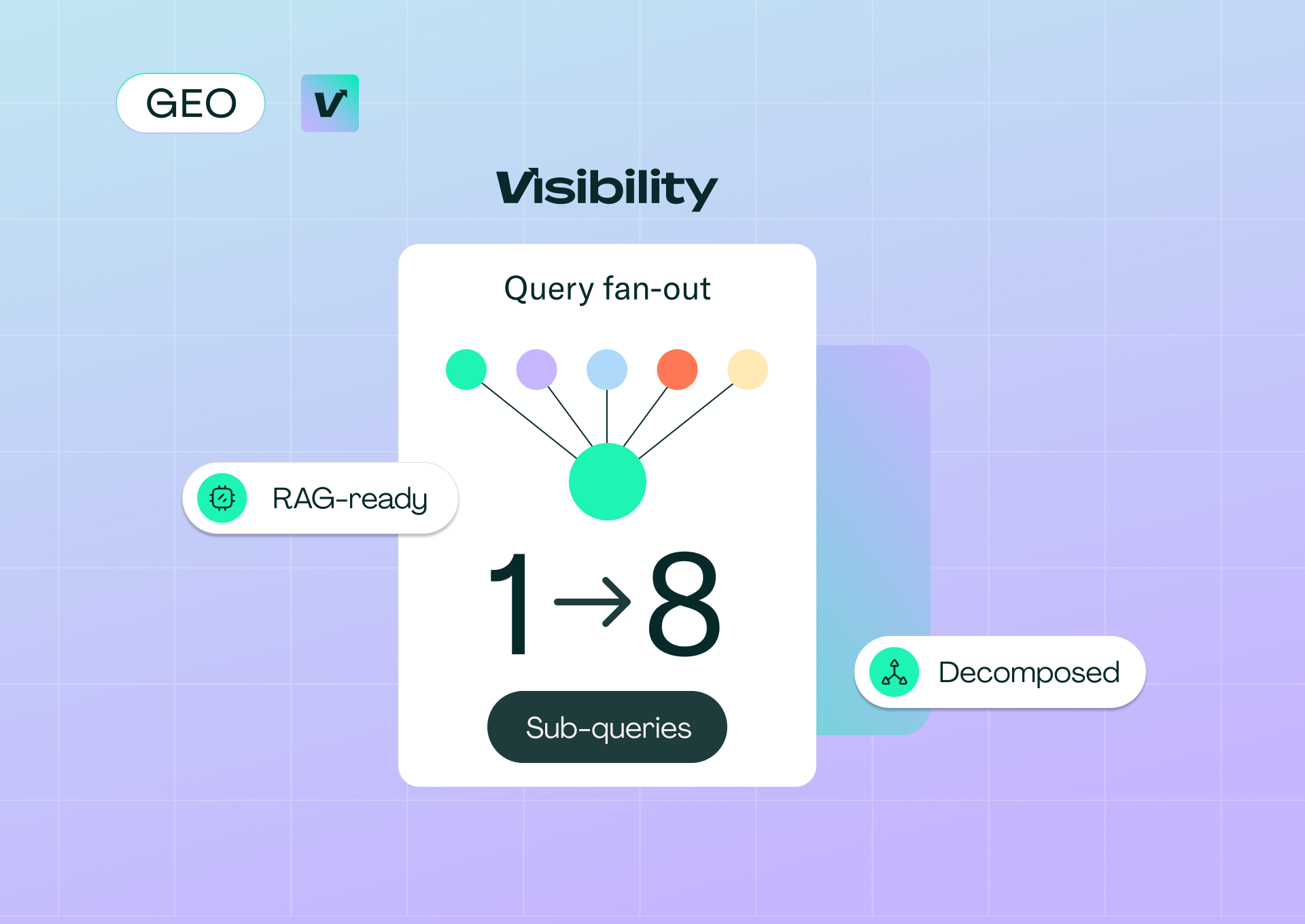
An AI search system can research those questions separately before assembling its answer. That process is query fan-out.
For content teams, it changes the research question. Alongside “Does our page rank for this keyword?” ask, “Which parts of this buying decision does our content actually help someone resolve?”
Fan-out is one possible reason an AI answer cites different pages from the results for the original query. The citation list alone, however, does not reveal the searches behind it. Understanding that distinction helps you use fan-out research without mistaking a generated query list for evidence.
Key takeaways
- Query fan-out generates multiple related searches from an initial question and uses the retrieved information to help develop a response.
- Google says AI Mode and AI Overviews may use it. That does not mean every AI answer follows an identical search process.
- Separate simulated query suggestions from queries disclosed for an actual run. Neither automatically reveals another user's search session.
- Long questions in Search Console can inform content research, but their wording does not prove they came from AI activity.
- Map related questions to existing pages before commissioning content. Different wording alone is not a reason to create another URL.
What is query fan-out?
Query fan-out is a retrieval technique in which a system generates related searches to investigate different aspects of a question. It can then use information from those searches to develop an answer.
Google described concurrent searches across subtopics and data sources in its March 5, 2025 introduction of AI Mode. Its Search Central documentation says both AI Overviews and AI Mode may use fan-out, with different models and techniques producing different responses and links.
Think of it as research supporting the answer. The original prompt sets the task; related searches help gather information needed to complete it.
A worked example
Consider the question “What is the best CRM for a 20-person sales team?” A useful recommendation depends on several details the buyer has not spelled out.
The system might search for “CRM pricing for 20 users” to investigate seat costs, minimum commitments and implementation fees. To check whether the software fits the team's existing workflow, it could search for “CRM Gmail integration features” and consult integration documentation.
Adoption raises another set of questions. “CRM implementation time small sales team” could lead to rollout guidance, while “import spreadsheet contacts into CRM” could surface instructions on field mapping and removing duplicate records.
These searches support different parts of the same decision. Pricing information helps establish affordability; integration and migration guidance helps assess whether the team can put the product to work.
This is an illustrative research plan, not a captured Google fan-out. A real system might use different searches, investigate fewer aspects or add follow-up searches.
A page covering pricing could contribute useful evidence without being a general “best CRM” roundup. But seeing it cited would not tell you exactly which search retrieved it.
How is it different from query expansion?
Query expansion is the broader practice of adding or reformulating terms to improve retrieval. Fan-out emphasizes issuing multiple related searches, often across different facets of the task.
These concepts overlap. Adding synonyms is one possible expansion technique; investigating implementation costs is a different research angle. Avoid treating “one result set versus many” as a universal technical boundary between them.
What Google confirms, and what remains unknown
Google's documentation establishes that fan-out can be part of its AI search process. It does not provide a complete public specification for reconstructing every search behind an individual answer.
That leaves several questions a third-party list cannot settle by itself: whether all searches ran concurrently, which results were considered, why one source was selected, or whether the same searches would run again.
The publisher guidance is more concrete. Google says supporting pages must be indexed and eligible for a Search snippet, with no extra technical requirements for AI Overviews or AI Mode. Eligibility does not guarantee inclusion.
Its generative AI optimization guide also warns against creating separate content for every query variation or fan-out primarily to manipulate rankings or AI responses. The relevant issue is purpose and value, rather than a rule that every topic must occupy one page.
Use fan-out to improve the research behind useful content. It is not an instruction to manufacture a page for every suggested phrase.
Do ChatGPT, Perplexity, Gemini and Claude work the same way?
Several platforms document search behavior related to fan-out, but the implementations should not be treated as interchangeable.
OpenAI explains that ChatGPT Search can rewrite a question into one or more targeted searches for search providers, then issue more specific queries after reviewing results. That includes iterative research, rather than only simultaneous searches.
Perplexity describes Pro Search as conducting multiple searches and synthesizing sources. This supports a claim about that feature, not an identical process for every Perplexity answer.
Google documents search grounding for Gemini applications, while Anthropic documents a web search tool for Claude. Those capabilities do not establish that every response searches the web or uses Google's fan-out architecture.
For analysis, record the product, mode and available search settings. “Gemini,” for example, should not be used as a substitute label for Google AI Mode.
Can you see the actual fan-out queries?
Sometimes a system exposes search information for the run being inspected. Sometimes a tool generates likely searches instead. Those are different kinds of evidence.
Queries disclosed for a particular run
Google's grounding metadata reference documents a webSearchQueries field containing queries performed to gather grounding information.
OpenAI's web search API documentation says search actions usually, but not always, include the queries searched.
Those records can establish what was disclosed for that API request. They do not reconstruct what a separate person saw in ChatGPT, Gemini, AI Mode or AI Overviews.
Simulated research questions
A model can also generate likely supporting searches without reporting an actual search trace. This is useful for brainstorming, but its suggestions remain hypotheses.
Asking “What would you search before answering this?” requests a research plan. It is not a reliable way to recover an earlier hidden sequence of searches.
Citations in an answer
Citations show sources attached to the response. They are useful evidence of the output you observed, but are not a complete log of searches, retrieved pages or selection decisions.
Keep the three records separate: suggested queries, disclosed searches and cited sources. Combining them under one “fan-out” label makes the data appear more definitive than it is.
How to research likely fan-out questions
Start with a decision your audience needs to make. A topic such as “CRM software” is too broad to explain which details matter. “Choosing a CRM for a 20-person outbound sales team” supplies more useful constraints.
1. Build a research map around the decision
List the questions that would change the recommendation: budget, required integrations, implementation capacity, data migration and product limitations.
Give each question a reason to exist. “Does the integration support two-way email sync?” is more actionable than generating ten variations of “best CRM.”
2. Add evidence from your audience and search data
Use customer calls, sales objections and support questions to check whether the proposed questions reflect real needs.
Search Console can reveal queries associated with your site's Google visibility. Long questions may suggest useful topics, but conversational wording does not identify an AI-generated search or disclose fan-out. Our guide to finding relevant questions in Search Console explains how to turn those records into candidate prompts.
People Also Ask and related searches can supply further questions. Treat them as research inputs rather than a transcript of AI retrieval.
3. Use a generator to challenge your first list
Ask a tool which missing information would affect the answer. Compare its suggestions with your research and remove irrelevant assumptions.
Recurrence across tools can help organize a review, but it does not validate demand or prove that a search engine uses that query. Different models can repeat the same plausible mistake.
4. Inspect actual answers separately
Run a small, documented prompt set in the surfaces relevant to your audience. Record the date, wording, mode and sources cited.
Then examine what those sources contribute. Is the answer drawing on pricing documentation, a comparison, an implementation guide or a customer example? This can reveal evidence your content lacks, without requiring you to guess the exact retrieval path.
How to cover the questions without duplicating pages
A research map becomes useful when every important question has an appropriate content destination.
For the CRM example, seat costs may belong on the pricing page. Integration behavior belongs in product documentation. A migration procedure may deserve a dedicated guide. The buyer comparison can summarize these factors and link to the detail.
Before creating a URL, ask:
- Does an existing page already serve this need?
- Is the proposed page answering a distinct task or repeating the same recommendation?
- Would a reader benefit from a separate destination?
- Can the team support the answer with specific, current evidence?
Update the existing page when its purpose fits. Create a separate resource when it helps someone complete a different task. Do not force implementation instructions into a comparison merely to make one page appear comprehensive.
Within each page, use descriptive headings and explain the relevant conditions clearly. Show the actual calculation, compatibility requirement or limitation where it helps. These are editorial practices for making information usable, not a guaranteed citation formula.
For measurement, keep your original prompt set stable while recording changes. Check whether the updated source appears, whether its information is represented accurately and whether the content helps visitors. A citation change alone does not prove that a particular edit caused it.
Query fan-out tools: what to check before trusting the output
The most important question is how the tool obtained its queries. Ask whether it generates suggestions, reports searches from an API response or captures disclosures from a specific interface.
Qforia by iPullRank
Qforia is presented by iPullRank as a fan-out simulator. Its published walkthrough describes using a paid Gemini API key and organizing suggestions by query type and intent.
Treat it as a research aid. Using a Gemini model does not make its output a record of Google AI Mode's searches.
OtterlyAI
OtterlyAI's documentation describes fan-out functionality within its GEO Audit and a free standalone tool. The standalone tool's explanation explicitly describes simulation, with analysis modes for ChatGPT, AI Mode and AI Overviews.
Check the method for the particular feature you use. A mode named after an engine does not by itself establish access to that engine's internal search log.
Queryfanout.io
Queryfanout.io presents a workflow combining sub-query generation, live web research, sources and prioritization.
The page's description does not establish that it reproduces a separate user's consumer-app session. Before treating its output as observed searches, check which model ran, where the queries came from and whether the supplied citations belong to that run.
A practical tool check
Save one report with its input, date, model or mode, and methodology. Label generated suggestions as suggestions. Keep any disclosed query trace alongside the response that produced it.
The goal is a defensible content decision. A longer query list is not automatically a better research result.
Where Pixis Visibility fits
Pixis Visibility supports the next stage: investigating brand visibility across ChatGPT, Gemini, Perplexity and Claude, reviewing answers and cited sources, and connecting selected opportunities with content work.
Teams can add custom prompts, examine where competitors appear and use Google Search Console data alongside the analysis. Relevant gaps can move into briefs and drafts, with WordPress publishing supported.
That workflow helps evaluate the prompts you chose to test. It should not be described as recovering Google's hidden fan-out or reconstructing every buyer's research session. Likewise, a prompt you write to represent a possible branch is a new test, rather than proof that the original question triggered that branch.
Our guide to evaluating visibility prompt by prompt develops that measurement approach.