
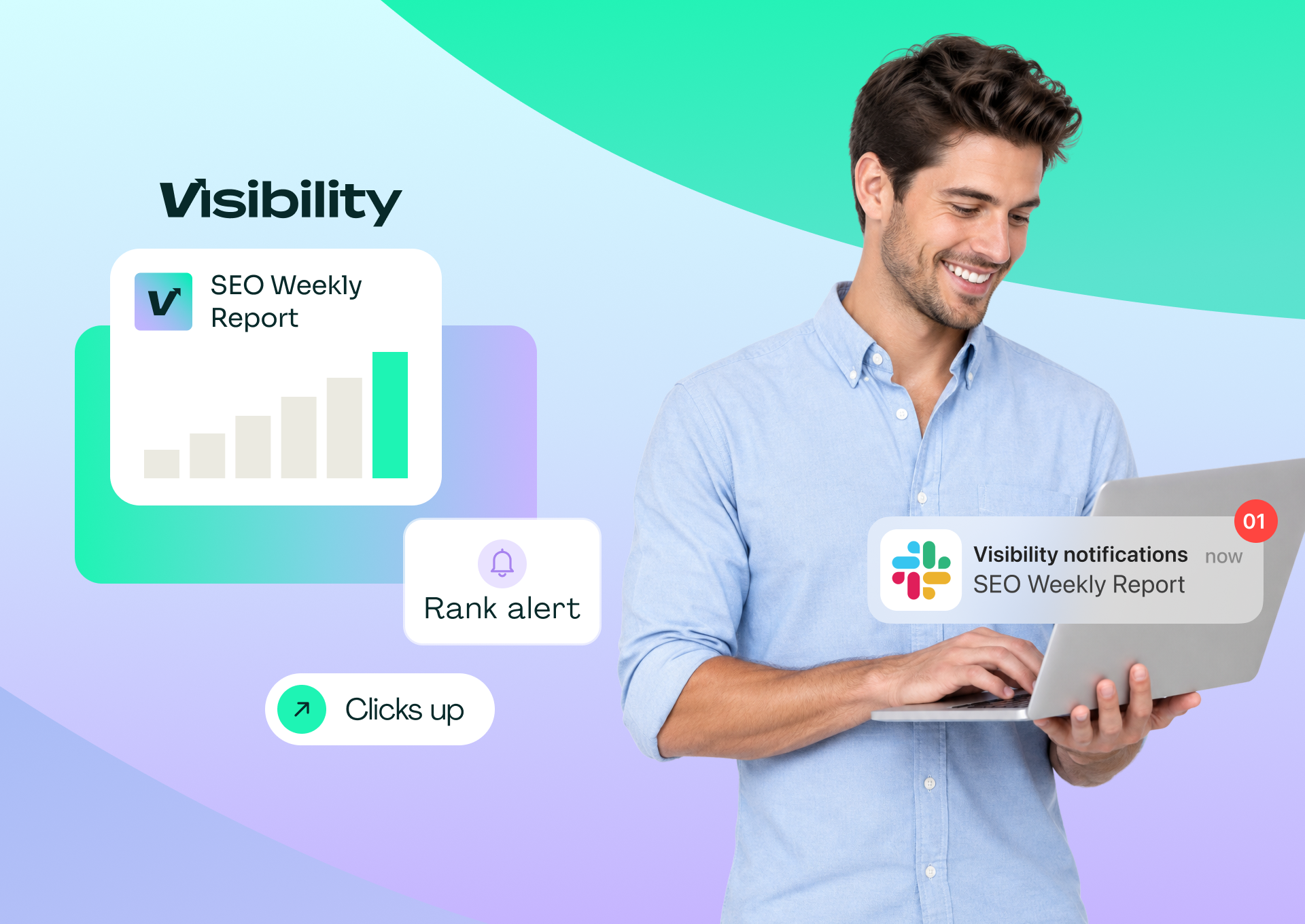
Every Monday someone asks in Slack how rankings did last week. Someone else opens Search Console, exports a few numbers, pastes them into a thread and adds a caveat about the data not being final yet. By Wednesday the question comes back from a different person.
A scheduled weekly digest ends that loop. It pulls the last complete week of search data, formats a short message and posts it to one channel at the same time every week, so the team sees performance without opening a dashboard.
The wiring is the easy part. The decisions that make a digest useful are harder: which week the report covers, which five or six numbers deserve a place in it, and how to keep urgent drops from disappearing into the routine post.
This guide covers the data sources, the reporting window, the metrics, message format, scheduling and alerts, and how to check the whole pipeline before your team relies on it.
Key takeaways
- End the reporting window three days before the send date, every week, because the newest Search Console data is preliminary and can change.
- Keep the digest to five or six numbers and one action item. A post that needs scrolling gets skipped.
- Name the date range in every message so nobody compares the wrong weeks.
- Send ranking-drop and competitor alerts to a separate channel, so urgent changes do not get buried in the routine digest.
- Pixis Visibility connects Search Console, tracks keyword positions and has a ready-made automation that posts a weekly SEO digest to Slack; choosing the metrics and acting on them stays with your team.
Gather the access you need
Confirm three things before building anything:
- Search Console access to the property, plus a rank tracker if you want keyword positions beyond what Search Console reports. For options, see how to check your Google keyword rankings.
- A Slack workspace where you can add apps or create incoming webhooks, a chosen channel (for example #seo-weekly) and a fixed send time, such as 8 a.m. on Monday.
- A way to connect the two: a no-code automation platform, a custom script using the APIs, or a platform with built-in Slack integration and scheduled reporting.
1. Connect the data sources
Start with Google Search Console for clicks, impressions, CTR and average position. Add GA4 if the team also needs sessions or conversions from organic search. A rank tracker fills the gaps for specific keywords you care about.
Fewer sources mean fewer connections to break. If one tool covers both Search Console data and keyword positions, use it as the single source for the digest.
2. Fix the reporting window
Google notes that Search Console data typically takes 2 to 3 days to collect and process, and the most recent days can appear as preliminary and change.
Set the window to end three days before your send date, and keep that offset every week. A Monday digest, for example, covers the seven days ending the previous Friday. Before the first send, check that the last day in your window no longer shows as preliminary in the Performance report. If it does, move the whole window back a day and keep the new offset from then on.
3. Choose five or six numbers
A digest that tries to show everything gets ignored. This set covers most needs:
- Total clicks and impressions, with week-over-week change
- The top mover up and the top mover down
- Keywords entering or leaving the top 10
- Pages losing the most clicks
- One action item for the week
Rank movers by absolute change in clicks, not by percentage. A large percentage jump on a low-volume keyword matters less than a modest drop on a high-traffic page.
An illustrative example: week 1 shows 12,400 clicks and 185,000 impressions; week 2 shows 14,200 clicks and 192,000 impressions. That is +1,800 clicks (+14.5%) and +7,000 impressions (+3.8%). One keyword climbed from position 8.2 to 4.1, another fell from 5.3 to 11.7, three entered the top 10 and two left. One product page lost a noticeable share of its clicks, so the action item is to refresh it with current specs.
4. Format the message for Slack
Keep the post to one screen. A simple layout works well:
- Header: "SEO weekly: 3 to 9 Oct" (always the exact date range)
- Headline numbers: clicks and impressions with change
- Movers: one up, one down, entries and exits from the top 10
- Pages to watch: the page losing the most clicks
- Action: one sentence, with an owner
Use Slack Block Kit or a plain formatted message so it renders the same on desktop and mobile. Put supporting detail, such as the full mover list, in a threaded reply rather than the main post.
5. Schedule the send and split out alerts
Create an incoming webhook or add a Slack app, point it at your channel and set the weekly schedule. Post a test message before the first real send.
Then set up alerts separately. A ranking drop of five or more positions on a priority keyword, a keyword falling out of the top 10 or a competitor gaining ground should go to a different channel, such as #seo-alerts. In most automation tools, a condition step decides whether the alert branch posts at all, so the alerts channel stays quiet on normal days. For setting thresholds on the AI search side, see how to get alerted when a competitor gains ground in AI search.
Choose how to wire it
- No-code automation platform. You maintain the workflow steps and connector settings. Best for teams without developer time who want flexibility.
- Custom script. You maintain the code, API credentials and hosting. Best for teams that want full control over logic and format.
- SEO platform with Slack integration. You maintain platform settings only. Best for teams that already use one platform for search data.
- AI assistant connected to your data. You maintain the prompts and review each summary. Best for teams that want to ask follow-up questions in plain language.
Check the plan limits on any no-code tool before you commit, since multi-step workflows can hit task or credit caps. Every extra tool in the chain is another place for the report to break; the SEO tool stack audit explains how to map and reduce them.
Check the pipeline before the team relies on it
Run four checks before the first scheduled send:
- Test the connection. Post a test message and confirm it lands in the right channel.
- Match the numbers. Compare the digest with Search Console for the same date range.
- Watch two deliveries. Confirm the first two scheduled posts arrive on time with the correct range.
- Trigger an alert on purpose. Set a deliberately low threshold, confirm the alert reaches the separate channel, then reset it.
Where the digest goes wrong
- Preliminary data. Changing the offset week to week makes deltas meaningless. Pick three days and keep it.
- Too many numbers. If the post needs scrolling, cut it back to five or six.
- Unchecked AI summaries. Language models can misstate figures or invent a single cause for a change with several explanations. Check every number against the source before the summary goes out.
- No action item. A digest that never changes what anyone does is noise. If that happens for a month, change the metrics or stop sending it.
Once the digest runs reliably, the same approach works for other repeat checks; see how to build custom SEO automation without code.
Where Pixis Visibility fits
Most of the wiring in this guide exists to bring Search Console data and keyword positions into one place on a schedule. Pixis Visibility does that from a single platform.
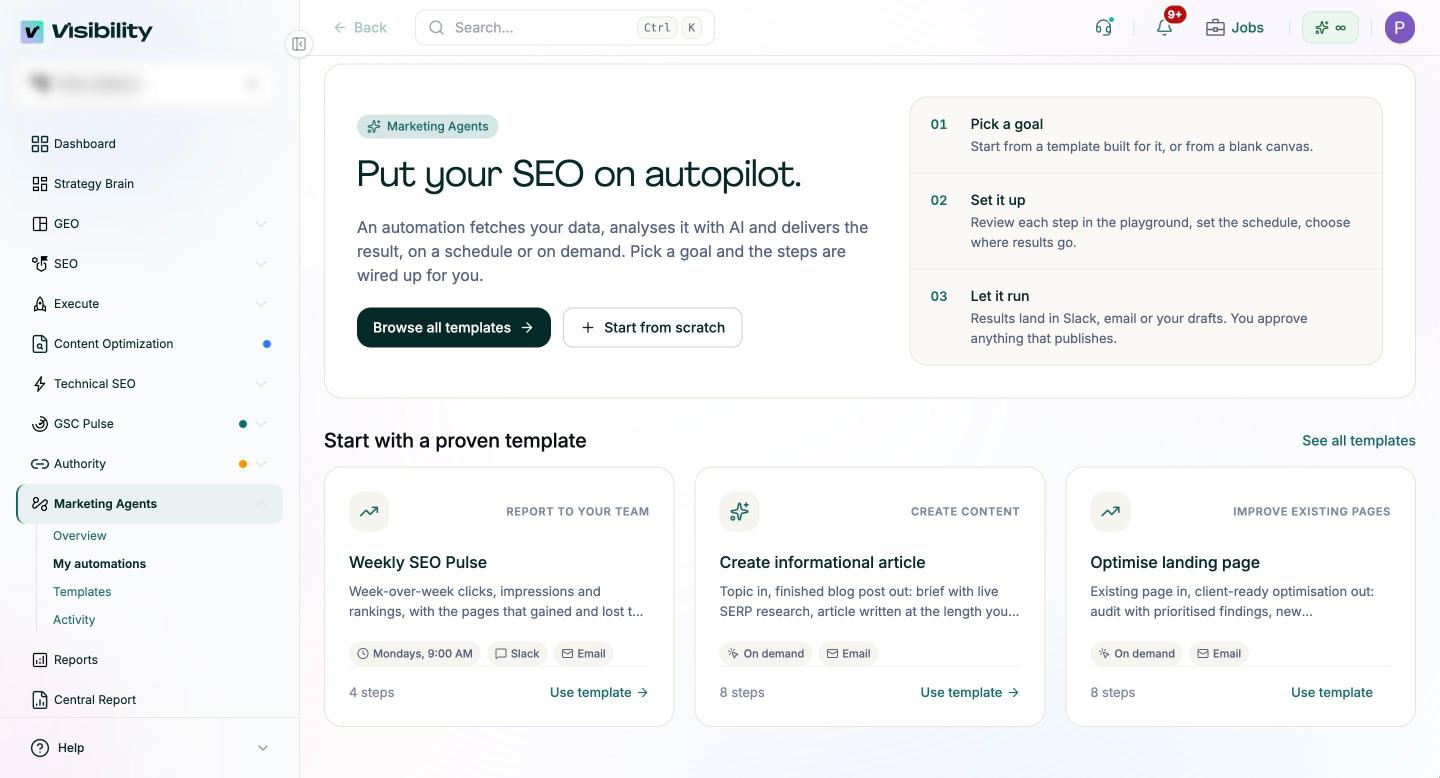
It connects to Google Search Console for queries, pages and before/after content impact, and tracks keyword positions for the terms you choose. Its Marketing Agents area includes a Weekly SEO Pulse template that sends week-over-week clicks, impressions and rankings, with the pages that gained and lost the most, to Slack or email every Monday, and you can build your own scheduled reports and alerts, including alerts when a competitor gains ground, with email or Slack as the destination. Chat With Your Data lets the team ask plain-English follow-up questions about the numbers, and AI visibility tracking adds how often the brand appears in ChatGPT, Perplexity, Gemini and Claude if you want that in the weekly view.
What stays with your team: choosing the five or six numbers, setting alert thresholds, checking any AI-written summary and deciding the action item each week.
Ship the first digest this week
Pick the channel, the send time and your five or six numbers. Set the three-day offset, post a test message and schedule the first send for next Monday.
After four weeks, ask the team which numbers led to an action and cut the ones that did not. A short digest that changes what people do is worth more than a complete one nobody reads.
Get started with Pixis Visibility to schedule weekly search reports and competitor alerts without maintaining your own data pipeline.
FAQs
Can I send Search Console data to Slack for free?
Usually, yes. Many no-code automation platforms offer free plans that can connect Search Console to Slack, though limits on tasks, steps or credits apply as workflows grow. A short custom script using the Search Console API and a Slack webhook is another low-cost option if you have developer time.
Can AI write the weekly summary for me?
It can draft one from your metrics, highlighting top movers and suggesting next steps. Review it against the raw numbers before it posts, because models can treat small-sample swings as meaningful trends.
Should the digest include GA4 conversions?
Only if the team acts on them weekly. Conversions often fluctuate more than clicks week to week, so many teams keep them in a monthly report and leave the weekly digest focused on search visibility.