Paste the page URL
Enter the full address of the page you want to check. You can test internal and external links from the same page.
Find broken links on any page. Paste a URL to see every 404, redirect and link that needs a closer look, with the anchor text for each.
Internal and external links. Up to 200 links per page.
Your page has been checked.
The destinations we could verify are working.
| Link destination | Anchor text / image | Status |
|---|
Redirects and links that block automated checks are shown separately. Image thumbnails identify linked images; this is a destination-link check.
Find broken links across your website with Pixis Visibility.
Start with a landing page, an article or any public page you want to check. The link scanner reads its HTML and follows the destinations it finds.
Enter the full address of the page you want to check. You can test internal and external links from the same page.
The checker extracts unique destinations and checks up to 200, prioritizing links in the main content.
See broken links, redirects and destinations that need review, together with their anchor text or linked image.
Download the CSV, update the affected links, and run the page again to confirm your changes.
A clear status helps you decide which links to fix and which ones need a browser check.
404 / 410The destination returns Not Found or Gone. Update the link, restore the page or remove the dead end.
200 with warning signsThe destination returns a success code but has signs of a missing page, such as a not-found URL or title. Confirm it before changing the link.
301 / 302 and othersThe link points to another address. For internal links, use the final relevant URL to avoid an unnecessary redirect.
Blocked / timeout / server errorThe check could not establish that the destination is broken. Open it in a browser and retry when appropriate.
Successful responseThe destination responded successfully during this check. Review the page if you also need to confirm its content is relevant.
Broken internal links interrupt the path from one page to the next. Visitors can miss a useful product, service or article, and crawlers cannot reach that destination through the broken link. Checking key pages regularly helps you spot mistakes after a migration, content update or URL change.
Broken external links send readers to sources that have moved or disappeared. Replacing them keeps your references useful and avoids frustrating dead ends. Start with important landing pages and frequently visited content, then work through the rest of the site.
Use the destination and context in the report to choose the right repair. A redirect is useful when there is a genuine replacement; it should not send every missing page to the homepage.
If the page moved, point the link directly to its current address. Update the destination in the page’s content or navigation and keep the anchor text descriptive.
If you control an old URL and it has a relevant replacement, add a permanent 301 redirect. Update your own internal links as well so visitors can reach the destination directly.
If there is no useful replacement, remove the link or rewrite the surrounding sentence. Keep the remaining content clear and accurate.
Find a current, credible source covering the same point. Check that the new destination supports the claim before replacing the old link.
This checker looks at one page. Use Pixis Visibility to explore technical SEO issues across your website and see how AI assistants describe your brand.
Yes. You can check any public page at no cost, with no account or credit card. Enter your email to view the full report.
Paste a page URL into the checker above and click Analyze. The tool reads the page, checks up to 200 unique link destinations and lists broken links, redirects and links that need review. To check every page on your site at once, use Pixis Visibility.
A link whose destination no longer exists, most often returning 404 Not Found or 410 Gone. A page that looks missing but returns a success code can be flagged as Likely broken (soft 404). Server errors, timeouts and bot protection appear under Needs review because those links may still work for visitors.
Yes. It checks both, including links on images, up to 200 unique destinations per page.
Some sites, such as LinkedIn and G2, block automated requests or respond slowly. The tool can't confirm these links are broken, so it lists them separately. Open them in your browser to check.
This free tool checks one page at a time. For a full-site crawl that finds broken URLs and other technical SEO issues, sign up for Pixis Visibility.
Broken internal links stop visitors and search engines from reaching pages through those links. A few broken links do not automatically harm a whole site, but repairing them removes dead ends and makes useful pages easier to reach.
The tool reads the page’s returned HTML and checks up to 200 unique destinations. The report shows how many were checked when a page has more links. Links added only after JavaScript runs may not appear.

Choose your next move in Pixis Visibility.
See AI visibility, citations, competitors and site health together.
Find out when ChatGPT, Gemini, Perplexity and Claude mention your brand.
Find publications and sources being cited in your category.
Bring your real search queries, clicks and impressions into one view.
See which existing pages need stronger content and technical improvements.
Build content around keyword opportunities and the questions AI engines answer.
Check your wider website for crawlability, metadata and technical issues.
Find missing or incorrect structured data across your website.
Look beyond one page for broken URLs and crawl errors.
Compare backlink opportunities with the competitors you want to outrank.
Organize topics around keyword gaps, competitors and AI visibility.
Set up recurring tasks and reports for the work your team repeats.











Stories from the brands building with Pixis.

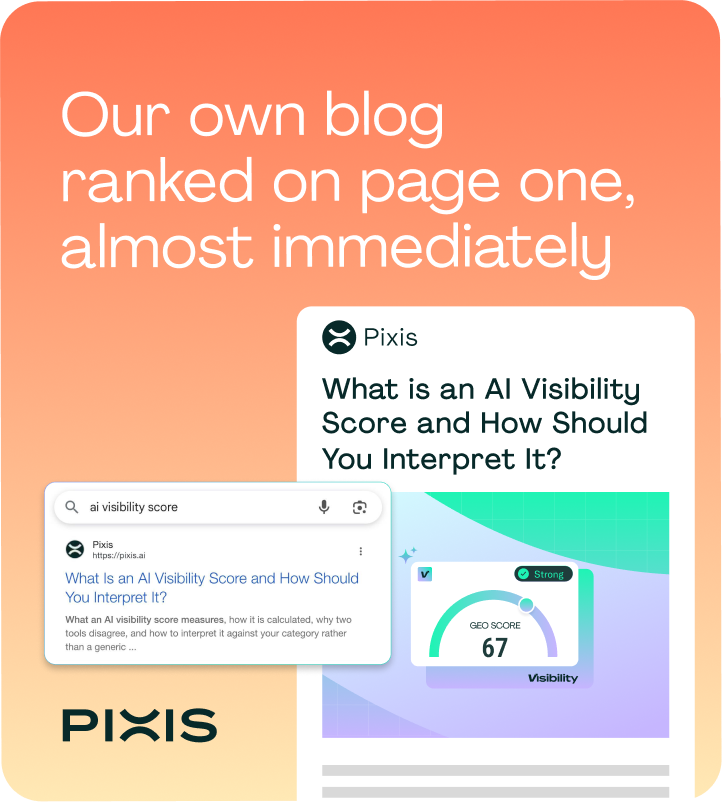

Track where your brand appears in AI answers. See which competitors and sources get cited, then connect those insights to technical SEO, content and reporting.
Explore Pixis VisibilityFree to start. No credit card required.
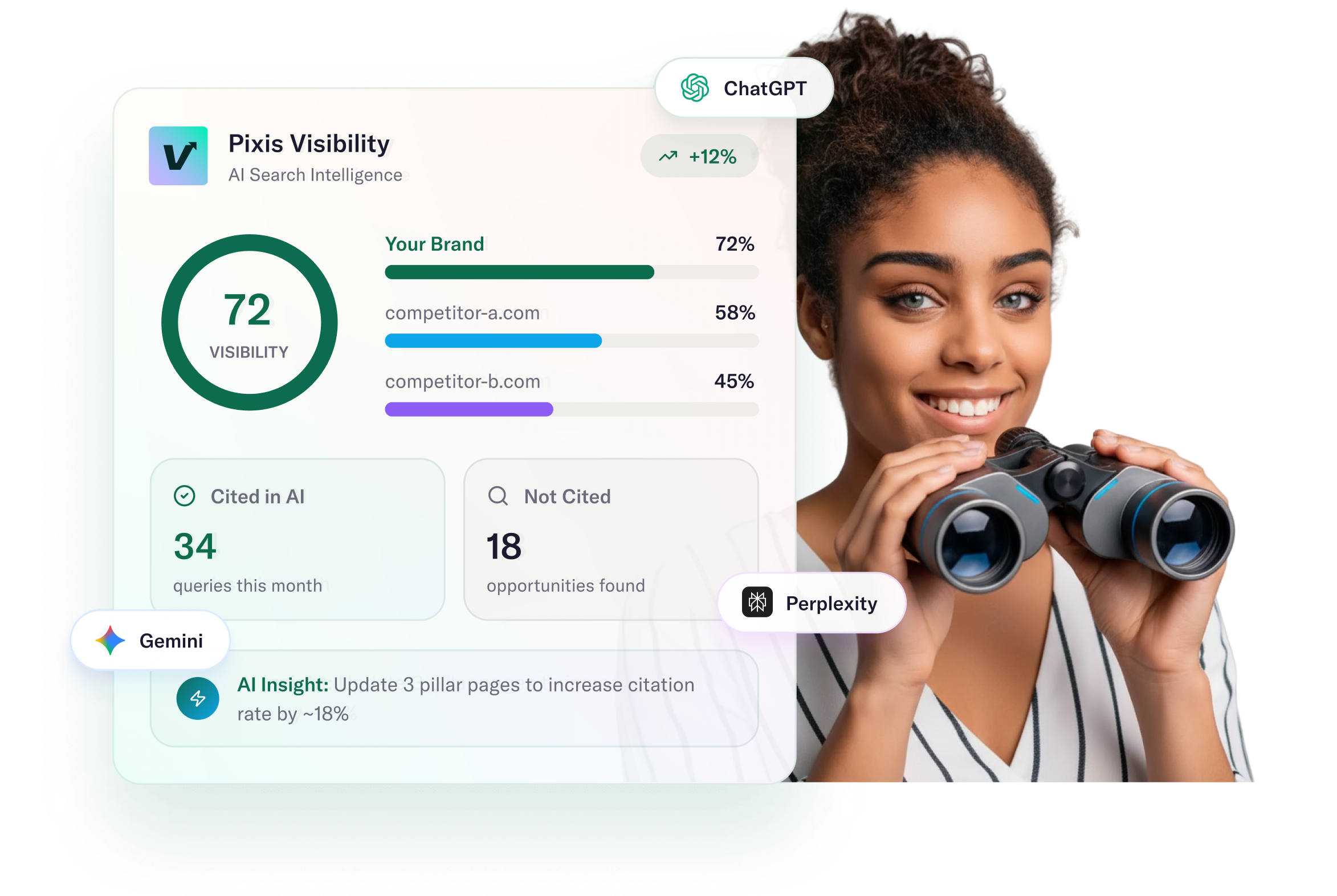
How agencies and brands work with Pixis.

“Setting up tracking was simple.”
Prompt tracking, competitor comparisons and first drafts in the same workflow.


“seeing the actual answers”
Visibility into what AI engines say when buyers compare products.


“Visibility does both in one place.”
A way for an agency to demonstrate AI search opportunities and act on them.


“what to fix and publish”
Technical audits and GEO findings that help teams decide what comes next.

Start free and choose the plan that fits your team.

Essentials for single brands

Best for scaling teams

Advanced capabilities

Unlimited and bespoke