Choose a schema type
Select the template that describes the main content of the page, such as a product, article or local business.
Turn your page details into JSON-LD structured data. Choose a schema type, fill in the fields and copy your markup.
Your generated schema will appear here.
Your schema has been generated from the details you entered.
{
  "@context": "https://schema.org"
}Use details that accurately describe the content on your page. Add the generated script to that page, then validate its URL.
Build JSON-LD from the details already on your page. Required fields are marked, and optional fields let you add useful context.
Select the template that describes the main content of the page, such as a product, article or local business.
Use accurate names, URLs, dates and descriptions from the page. Add repeatable entries where the template calls for them.
Click Generate schema to turn those details into JSON-LD. Review any field messages before continuing.
Unlock the output with your email, then copy the script or download the JSON for your developer or CMS.
Choose Validate this markup to check the generated code. Recheck the live URL once the script is published.
Choose from 25 templates across six groups. Start with the type that matches your page, then add only the details that apply.
Describe a physical business with its name, address, telephone number and opening hours. Choose the closest available business subtype and keep the details consistent with the page.
Describe a product with its name, image, price and availability. Keep offer information current and use real, visible review or rating data only when it applies.
Add a headline, author, publication and modification dates, and an image for an article, blog post or news story. Link the author to an identifying profile when one is available.
Describe the questions and answers visitors can read on the page. FAQPage remains valid Schema.org markup, but Google stopped displaying FAQ rich results on May 7, 2026.
Add the generated script to the page it describes. JSON-LD keeps structured data in a separate script, so it does not replace your visible page content.
Place the generated application/ld+json script in the page’s head or body. Avoid inserting the same block twice.
In WordPress or another CMS, use the appropriate schema field, code injection setting or supported custom HTML block. Some editors strip script tags, so check the published source.
Publish the update, then run the page URL through the Schema Validator to confirm the markup is present and readable.
<script type="application/ld+json">
{
  "@context": "https://schema.org",
  "@type": "Organization",
  "@id": "https://example.com/#organization",
  "name": "Example Studio",
  "url": "https://example.com/"
}
</script>Describe content a visitor can actually find. Do not add invented products, credentials or answers just to fill a field.
Use complete HTTPS URLs for images, logos, pages and profiles. Check that each destination is accessible.
Enter ISO dates such as 2026-11-23. Include a timezone when a template asks for a date and time.
Use a stable @id for the same organization or person, and keep names, addresses and official profile links accurate across pages.
Never invent ratings or testimonials. Self-serving reviews for an Organization or LocalBusiness are not eligible for Google review stars.
Check an existing page or paste JSON-LD to find syntax, property and value issues before you publish.
Yes. You can create JSON-LD markup at no cost, with no account or credit card. Enter your email to unlock your generated code, then copy it or download the JSON.
JSON-LD is a way to add structured data to a page as a separate script, without changing the visible HTML. It's the format Google recommends for structured data.
25 types, including Organization, Local Business, Person, Website, Article, Blog Post, Product, Breadcrumbs, FAQ Page, Event, Job Posting, Recipe, Video, Course, Software Application and Review.
Add the script to the HTML of the page it describes. It can go in the head or the body. Then run the page URL through the Schema Validator.
Yes. Choose Local Business, then add your name, address, phone number, opening hours and website. Use the same details that appear on your page.
Schema markup helps describe your page and its entities in a machine-readable format. For supported types, accurate markup can contribute to eligibility for rich results. It does not guarantee higher rankings, a rich result, or a mention in an AI answer.

Choose your next move in Pixis Visibility.
See AI visibility, citations, competitors and site health together.
Find out when ChatGPT, Gemini, Perplexity and Claude mention your brand.
Find publications and sources being cited in your category.
Bring your real search queries, clicks and impressions into one view.
See which existing pages need stronger content and technical improvements.
Build content around keyword opportunities and the questions AI engines answer.
Check your wider website for crawlability, metadata and technical issues.
Find missing or incorrect structured data across your website.
Look beyond one page for broken URLs and crawl errors.
Compare backlink opportunities with the competitors you want to outrank.
Organize topics around keyword gaps, competitors and AI visibility.
Set up recurring tasks and reports for the work your team repeats.











Stories from the brands building with Pixis.



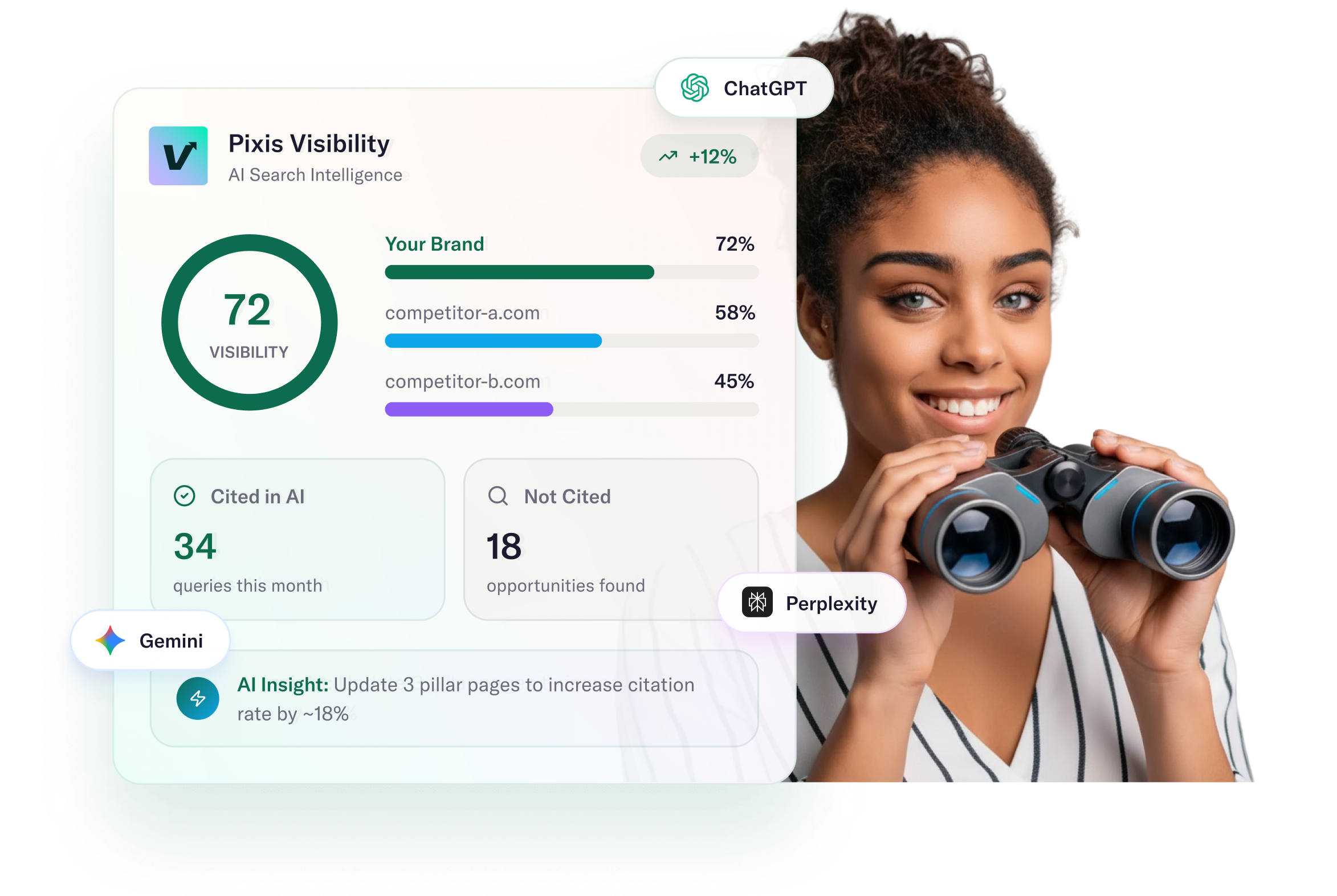
Track where your brand appears in AI answers. See which competitors and sources get cited, then connect those insights to technical SEO, content and reporting.
Explore Pixis VisibilityFree to start. No credit card required.
How agencies and brands work with Pixis.

“Setting up tracking was simple.”
Prompt tracking, competitor comparisons and first drafts in the same workflow.


“seeing the actual answers”
Visibility into what AI engines say when buyers compare products.


“Visibility does both in one place.”
A way for an agency to demonstrate AI search opportunities and act on them.


“what to fix and publish”
Technical audits and GEO findings that help teams decide what comes next.

Start free and choose the plan that fits your team.

Essentials for single brands

Best for scaling teams

Advanced capabilities

Unlimited and bespoke