Enter a URL or paste JSON-LD
Choose Website URL to read a public page, or Paste code to check markup before it goes live.
Test the structured data on any page. See every schema type, spot errors and know exactly what to fix.
JSON-LD, Microdata and RDFa. One page at a time.
Your structured data has been checked.
Review your schema details below.
| Finding | Location | Recommendation |
|---|
Checks cover the structured data available in the page’s source HTML. Content added only after JavaScript runs may be missed. Google rich results also depend on content, policies, and eligibility.
Explore your website’s technical SEO and AI visibility with Pixis.
Use this structured data checker on a published page, or test JSON-LD while you are editing a template.
Choose Website URL to read a public page, or Paste code to check markup before it goes live.
The tool reads the available markup and checks supported syntax, vocabulary and field requirements.
Explore each detected type. Use the field paths, source code and recommendations to locate the issue.
Make the change in your page or CMS, then recheck the live URL. Confirm Google-specific eligibility with Google’s Rich Results Test.
The schema markup checker looks at both the structure of the data and the values inside it.
Find malformed JSON, duplicate keys and formatting issues that can stop a JSON-LD block from being read.
Missing comma or invalid quoteCheck recognized types and properties against Schema.org vocabulary version 30.1, including inheritance and expected value types.
Organization, Product, ArticleReview required and recommended fields for the Google profiles supported by this tool. Requirements on nested items are shown as recommendations when they are contextual.
Product offers and Article authorsReview dates, URLs and entity details. Findings point you to the affected property rather than asking you to search the whole block.
Dates, absolute URLs and @idThe report separates structural problems from suggested improvements and context.
Invalid JSON and other definite markup problems need attention. Applicable Google requirements are labeled separately from syntax errors.
Missing recommended details, contextual requirements on nested items, or values worth improving. Check the finding against the page’s purpose.
Coverage and eligibility context, including schema types without a detailed Google profile and features Google no longer displays.
Structured data makes the meaning of a page more explicit. It can identify a product and its offer, an article and its author, or an organization and its official profiles. Consistent entity details help systems interpret the relationships you intend to describe.
For the types Google supports, accurate markup is one part of rich-result eligibility. It does not guarantee a search enhancement, higher rankings or inclusion in an AI answer. Keep the visible content useful and current, and use a schema audit to find technical issues that can undermine otherwise clear markup.
publisherauthormainEntityChoose a template, add the details from your page and create JSON-LD you can test before publishing.
Yes. You can check any public page or paste your own code at no cost, with no account or credit card. Enter your email to view the full report.
With a page URL, the tool finds JSON-LD, Microdata and RDFa. With Paste code, you can check JSON-LD (with or without the script tag) before you publish it.
Google’s Rich Results Test focuses on the search features Google supports. This Schema.org markup checker also checks types, properties, syntax and values across the vocabulary used by this tool, including types without a Google rich result. It includes selected Google-feature checks, but it is not a Google product or a replacement for Google’s final eligibility checks.
No. Markup must also match the page’s content and satisfy Google’s policies and the requirements for the relevant search feature. Even correctly implemented markup does not guarantee a rich result.
The page may have no structured data, may block automated requests, or may add its markup with JavaScript (for example through Google Tag Manager). Paste the JSON-LD into the Paste code tab to check it directly.
FAQPage remains a valid Schema.org type for a page’s questions and answers. Google stopped showing FAQ rich results on May 7, 2026. The validator can still check the markup, but it does not promise that retired search feature or an AI citation.
This free tool checks one page at a time. For a site-wide schema audit, sign up for Pixis Visibility.
Move from a single page to your wider technical SEO and AI visibility workflow with Pixis Visibility.

Choose your next move in Pixis Visibility.
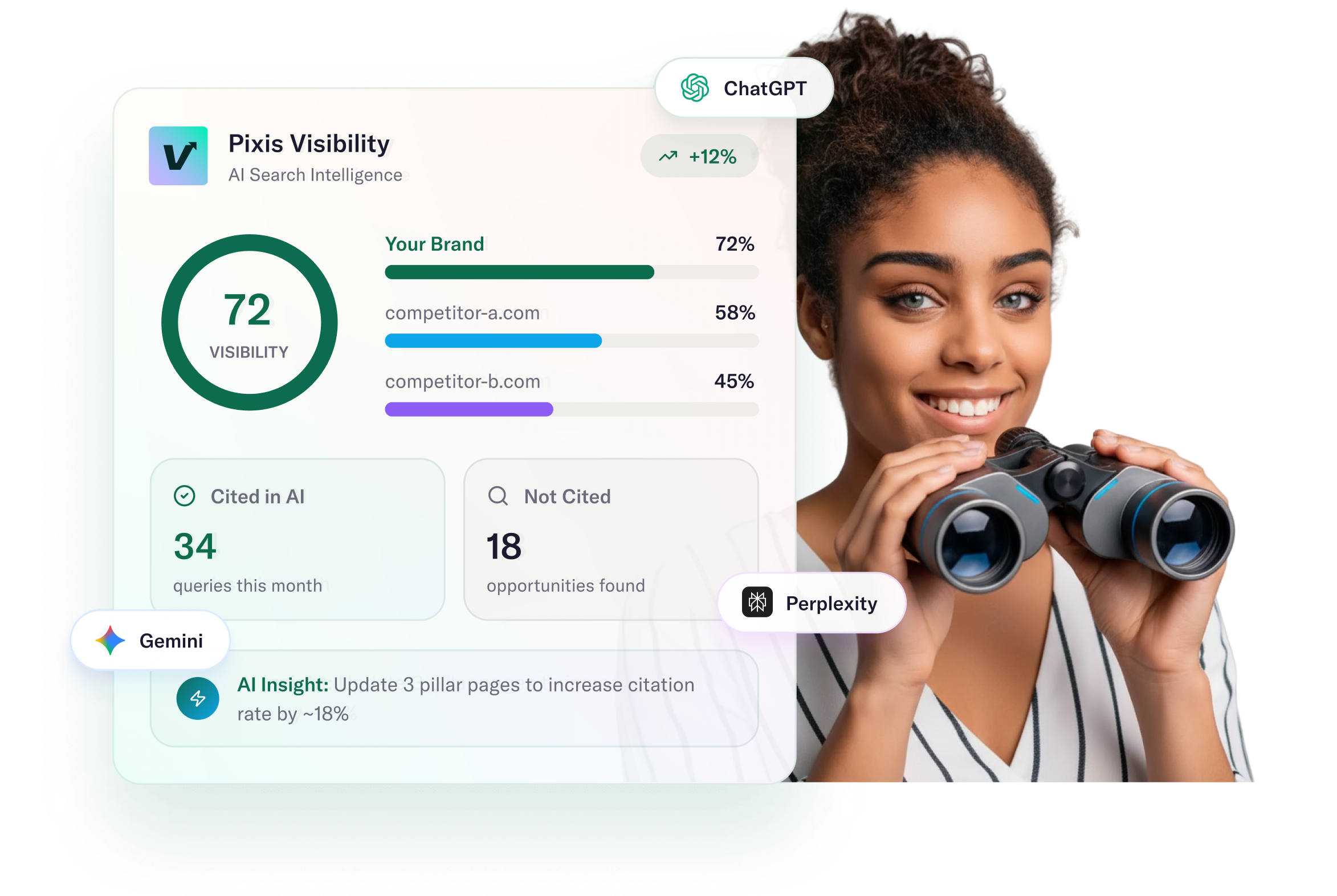
See AI visibility, citations, competitors and site health together.
Find out when ChatGPT, Gemini, Perplexity and Claude mention your brand.
Find publications and sources being cited in your category.
Bring your real search queries, clicks and impressions into one view.
See which existing pages need stronger content and technical improvements.
Build content around keyword opportunities and the questions AI engines answer.
Check your wider website for crawlability, metadata and technical issues.
Find missing or incorrect structured data across your website.
Look beyond one page for broken URLs and crawl errors.
Compare backlink opportunities with the competitors you want to outrank.
Organize topics around keyword gaps, competitors and AI visibility.
Set up recurring tasks and reports for the work your team repeats.











Stories from the brands building with Pixis.


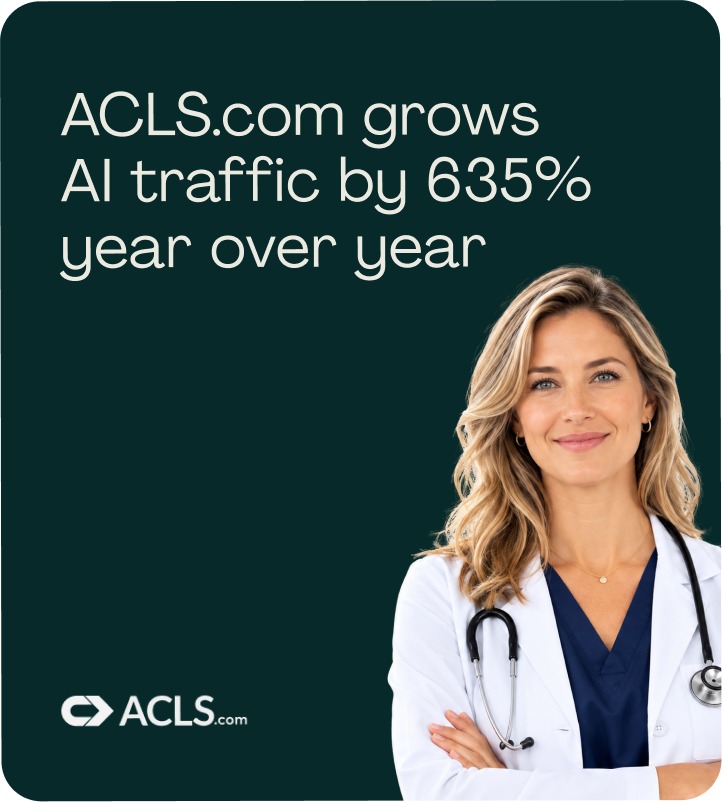
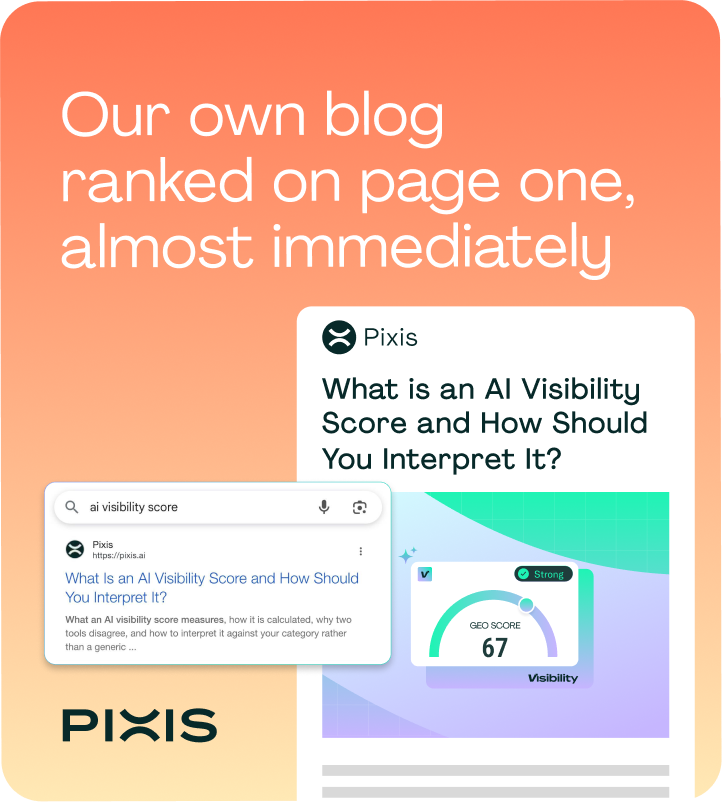

Track where your brand appears in AI answers. See which competitors and sources get cited, then connect those insights to technical SEO, content and reporting.
Explore Pixis VisibilityFree to start. No credit card required.
How agencies and brands work with Pixis.

“Setting up tracking was simple.”
Prompt tracking, competitor comparisons and first drafts in the same workflow.


“seeing the actual answers”
Visibility into what AI engines say when buyers compare products.


“Visibility does both in one place.”
A way for an agency to demonstrate AI search opportunities and act on them.


“what to fix and publish”
Technical audits and GEO findings that help teams decide what comes next.

Start free and choose the plan that fits your team.

Essentials for single brands

Best for scaling teams

Advanced capabilities

Unlimited and bespoke